
What Is a Court Docket in Carver County
A court docket is the working record of case activity. In Carver County District Court, docket information can appear as a calendar entry for a hearing, a Register of Actions entry inside MCRO, or a document/event line in the case file. Calendar entries answer when and where a hearing is scheduled. Register of Actions entries answer what has happened in the case over time. Public documents, when available, provide the underlying motion, order, complaint, judgment, or other filed paper.
Carver County does not have a separate municipal court, justice court, or county court for local trial-court docketing. Civil, family, probate, juvenile, criminal, and traffic matters are filed in Minnesota District Court. Carver is in the First Judicial District with Dakota, Goodhue, Le Sueur, McLeod, Scott, and Sibley Counties. The local courthouse and Court Administration office are in Chaska at the Justice Center.
Carver Daily Court Calendar
The official Carver daily calendar is a public PDF linked from the Minnesota Judicial Branch Carver County District Court page. The calendar inspected on June 24, 2026 displayed hearing date, time, location, judicial officer, hearing type, party role or connection type, party name, and case number. It showed physical courtrooms and remote locations, including Courtroom #3, Courtroom #5, and Zoom or Remote Hearing.
Calendar examples included Conciliation Hearing, Hearing Officer Appointment, Omnibus Hearing, Motion Hearing, Evidentiary Hearing, Arraignment, Probation Violation Hearing, Review Hearing, Plea Hearing, First Appearance, Court Trial, Eviction Hearing, Commitment Hearing, Order to Show Cause Hearing, and Pre-trial. Case examples included 10-CO-26-363, 10-VB-26-1689, 10-CR-25-426, 10-CV-24-818, 10-FA-25-428, and 10-PR-26-83. The 10 prefix identifies Carver County.
How to Find Carver County Dockets Online
The best source depends on whether the need is a hearing date or the full case event history. Use the daily calendar for the day's hearing schedule. Use MCRO Hearing Search to search hearing information by person, business, case number, judicial officer, attorney name, or attorney bar number. Use MCRO Case Search to open the case and review the Register of Actions.
The MCRO Hearing Search page is the statewide hearing lookup path for District Court events.
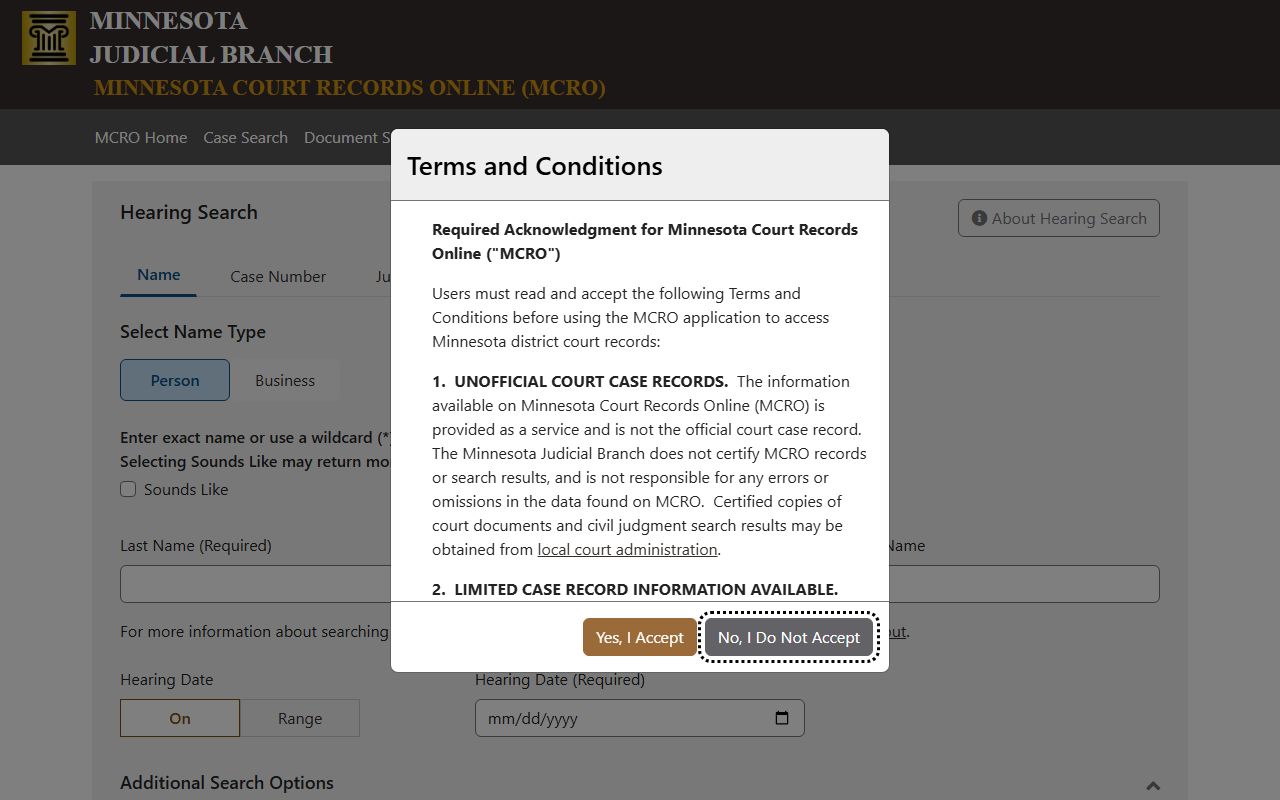
Hearing Search is useful when a party needs a specific appearance date, courtroom, remote status, judicial officer, or case number without opening every case record first.
- Open MCRO and choose Hearing Search when the goal is a hearing date or location.
- Search by person, business, case number, judicial officer, attorney name, or attorney bar number.
- Use Carver County as the court location when available to avoid statewide name matches.
- Review the hearing date, time, location, judicial officer, hearing type, party role, and case number.
- Open the related case in Case Search when the hearing entry needs the full Register of Actions or public documents.
- Call Court Administration at (952) 361-1420 if a hearing is missing, the case is older, or access is restricted online.
Carver County Docket and Calendar Fields
A calendar entry is not the same as every docket event, but it provides a compact view of scheduled activity. A Register of Actions is broader because it includes filings, orders, notices, hearings, judgments, dispositions, and other case events. Carver daily calendar fields are especially helpful for confirming whether a hearing is in a courtroom or remote session.
| Field | What It Shows |
|---|---|
| Party Name | The person or entity connected to the scheduled hearing. |
| Hearing Location | A courtroom number or a remote location such as Zoom or Remote Hearing. |
| Hearing Date and Time | The calendar date and scheduled start time. |
| Judicial Officer | The judge or hearing officer assigned to the event. |
| Hearing Type | The procedural event, such as arraignment, motion hearing, review hearing, or court trial. |
| Connection Type or Role | The party role or connection shown for the calendar event. |
| Case Number | The District Court file number, with Carver examples beginning with 10. |
| Register of Actions Entry | The case-event line inside MCRO showing filings, hearings, orders, and outcomes over time. |
Courts That Publish Dockets in Carver County
The local trial-court docket source is Carver County District Court. Minnesota's District Court is the statewide trial court, and the Carver court has original jurisdiction over civil, family, probate, juvenile, criminal, and traffic cases filed in the county. Appellate records are not held as local District Court dockets, although an appeal may originate from a Carver District Court case.
- Carver County District Court handles civil, family, probate, juvenile, criminal, and traffic dockets at the local trial level.
- The First Judicial District provides district-wide policies and administration for Carver and six other counties.
- The Minnesota Court of Appeals reviews many District Court decisions, while the Minnesota Supreme Court is the state's court of last resort.
The Judicial Branch File a Case page explains statewide filing channels for District Court matters.
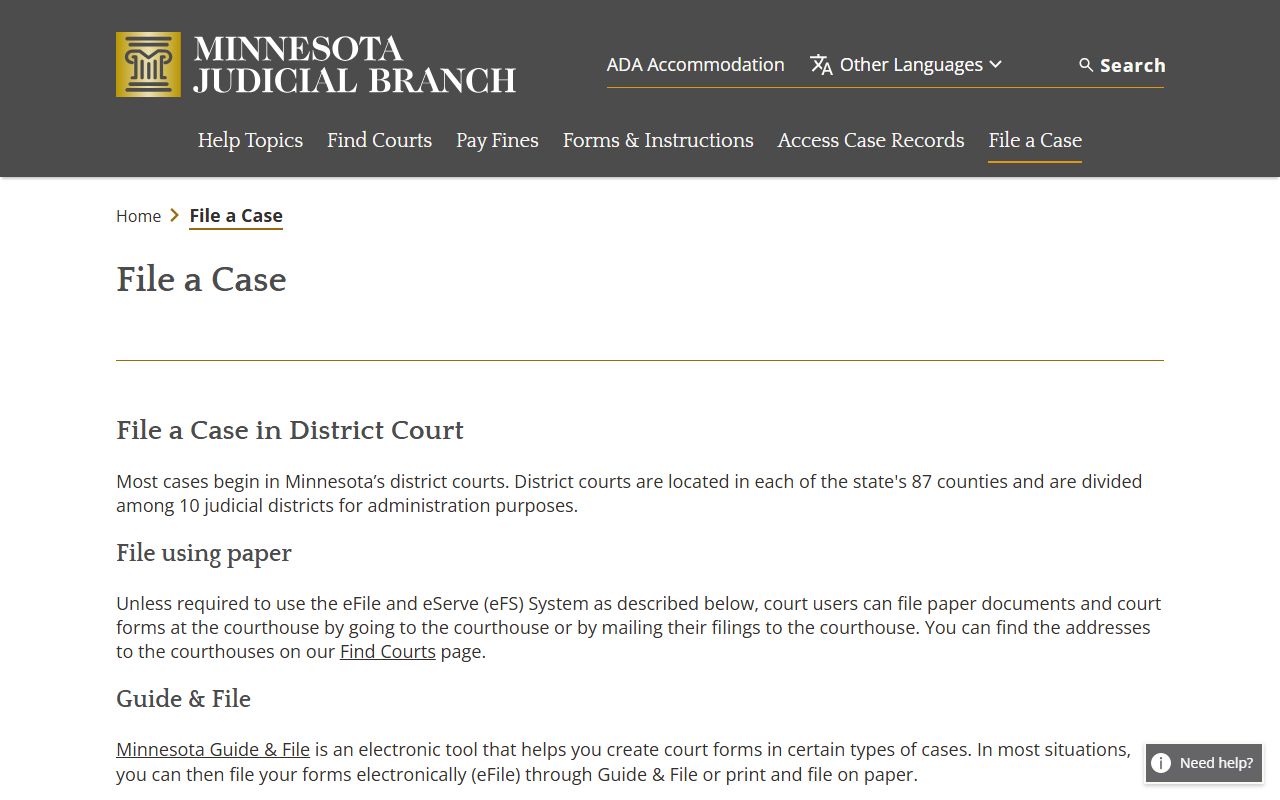
Filing channels matter for docket searches because eFiled documents and case events feed the District Court case file and later appear in the Register of Actions when public.
Register of Actions vs Calendar
The daily calendar and MCRO Hearing Search are schedule tools. They tell a user when a hearing is set, who is connected to it, where it is scheduled, and what type of hearing it is. The Register of Actions is the case-history tool. It records filings, notices, orders, judgments, hearings, dispositions, and other events that have occurred in the case. A docket or Register of Actions can identify that an order exists, but the actual order may require a document link, copy request, or courthouse access.
| Calendar or Hearing Search | Register of Actions | |
|---|---|---|
| Primary use | Find hearing date, time, location, type, and judicial officer. | Track the case's chronological activity and filings. |
| Best source | Daily calendar PDF or MCRO Hearing Search. | MCRO Case Search case detail. |
| Document access | Usually no full documents. | May link public documents when remotely available. |
| Limits | Can change and may not include restricted hearings. | Remote access can omit sealed, expunged, juvenile, and protected materials. |
Remote and Courtroom Hearing Details
Carver calendar entries can show ordinary courtroom locations and remote hearing labels. A hearing listed as Zoom or Remote Hearing should be treated as a court event, not as informal video access. Parties should follow the Judicial Branch or Court Administration instructions for remote appearances, and observers should confirm public access rules before assuming a remote link is available.
Physical hearings are held at the Carver County Justice Center, 604 E. Fourth Street, Chaska. The court page lists business hours of 8:00 a.m. to 4:30 p.m. Monday through Friday and phone (952) 361-1420. The daily calendar has shown Courtroom #3 and Courtroom #5, but courtroom assignments can change. For language access, ADA accommodation, weapons screening, or courthouse safety questions, use the official Carver District Court page and Court Administration contact information.
The Judicial Branch court forms page is a related resource for parties preparing filings that later become docket entries.
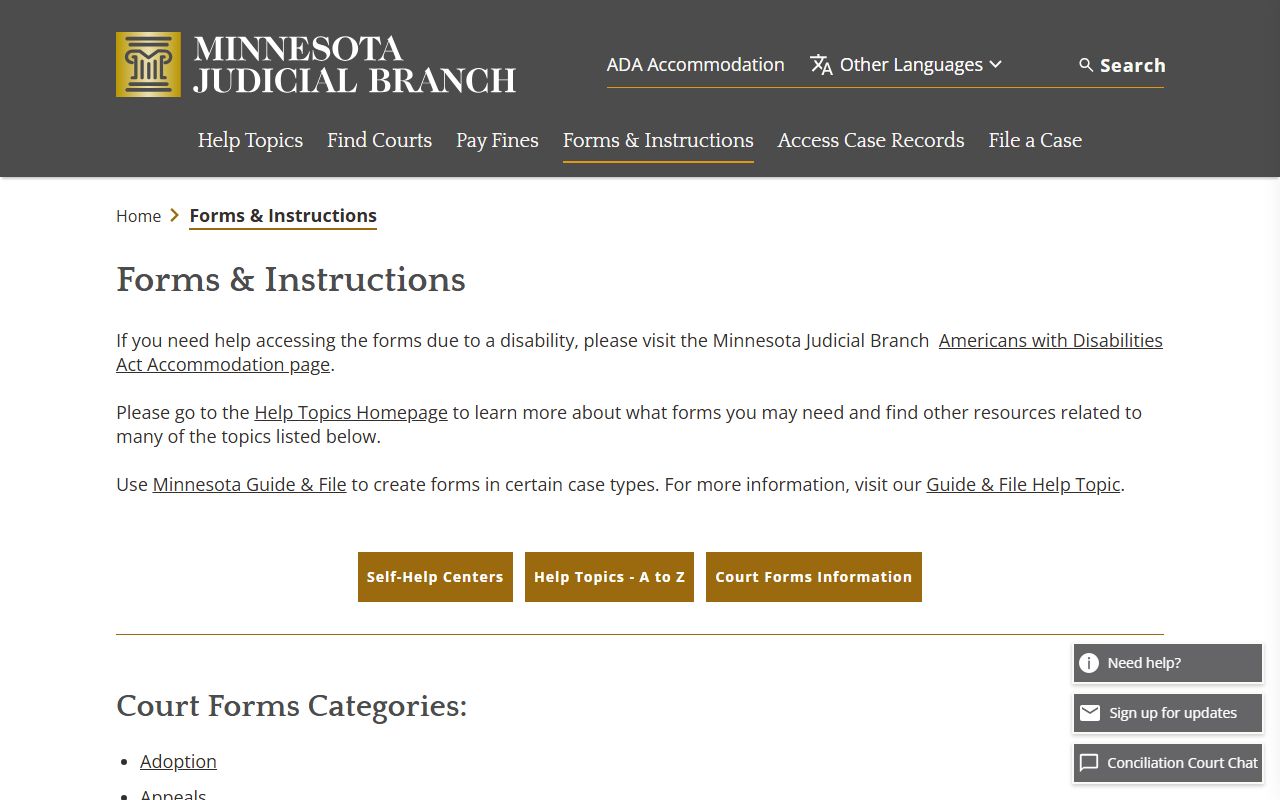
Forms are not a docket by themselves, but submitted forms can become filed documents and trigger later Register of Actions entries.
How to Read a Carver County Docket
Start with the case number. A 10-CR number points to a Carver criminal case, 10-VB often appears with traffic or payable citation matters, 10-CV is civil, 10-FA is family, 10-PR is probate or mental health, and 10-CO is conciliation. Then read the event date, event type, party role, and outcome together. A motion hearing does not mean the motion was granted. A plea hearing does not always mean a conviction has been entered. A review hearing or probation violation hearing may occur after sentencing.
Older or missing dockets can require Court Administration. MCRO FAQ material explains that some cases are not available online, pending or non-conviction criminal matters may not appear by defendant name, expunged records will not show publicly, destroyed records cannot be retrieved, and older files may not be electronic. If a user needs an official copy of a docket or order, the correct local office is Carver County Court Administration rather than a screenshot of MCRO.
Minnesota Public Access Rule 8 is the remote-access rule that explains why an online docket can be narrower than courthouse access.
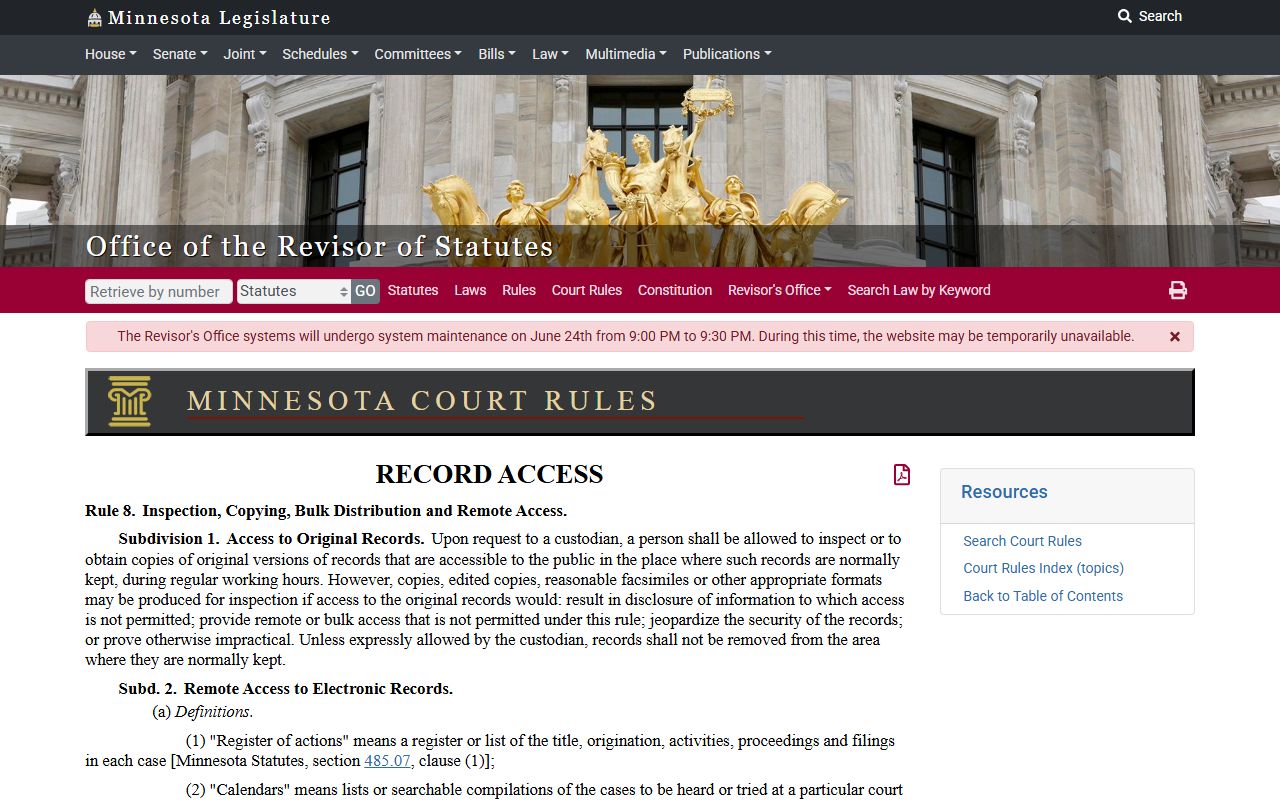
Rule 8 is especially important for docket users because online convenience does not override restrictions on remote access, protected case types, or confidential information.